



The quickest way of knowing if you have new webmail
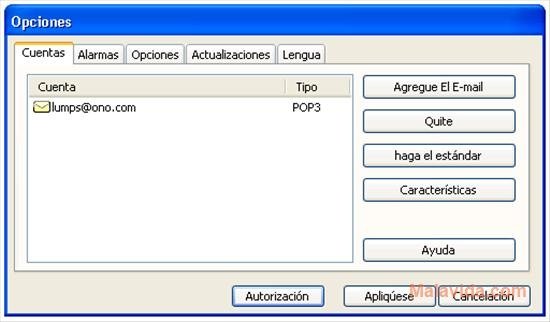
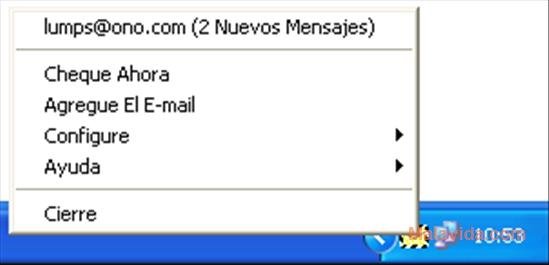
JW Inbox is a very simple application that will allow you to know at all times if you have received new mail in any of your webmail accounts. Thanks to the use of the POP3 and IMAP4 protocols, this mail notifier checks if any new mail has arrived in any of the accounts that are associated with it, notifying us with a small icon in the system tray.
Notifications for incoming emails
Configuring JW Inbox is very simple because the whole process takes place with the help of a wizard, that will ask for all the necessary information. Basically, all you will have to do is write the name you want to associate with the account, the protocol that it uses, the email server, the user name and the password, and the process will be finished.
As well as the graphic notification, the program also allows choosing a sound notification so that it activates each time that it detects a new mail, and modifies how many minutes have to pass before it checks for new mail once again.
Therefore, if you use an online mail account, and you don't want to have to open the browser each time that you want to know if you have new mail, JW Inbox is a good option.
Requirements and additional information:
- It only works with the standard ports of the POP3 protocol.
 Héctor Hernández
As a technology journalist with over 12 years of experience in the world of software and apps, I have had the opportunity to try all kinds of devices and operating systems over the years. I have done from software or mobile applications reviews...

Antony Peel